
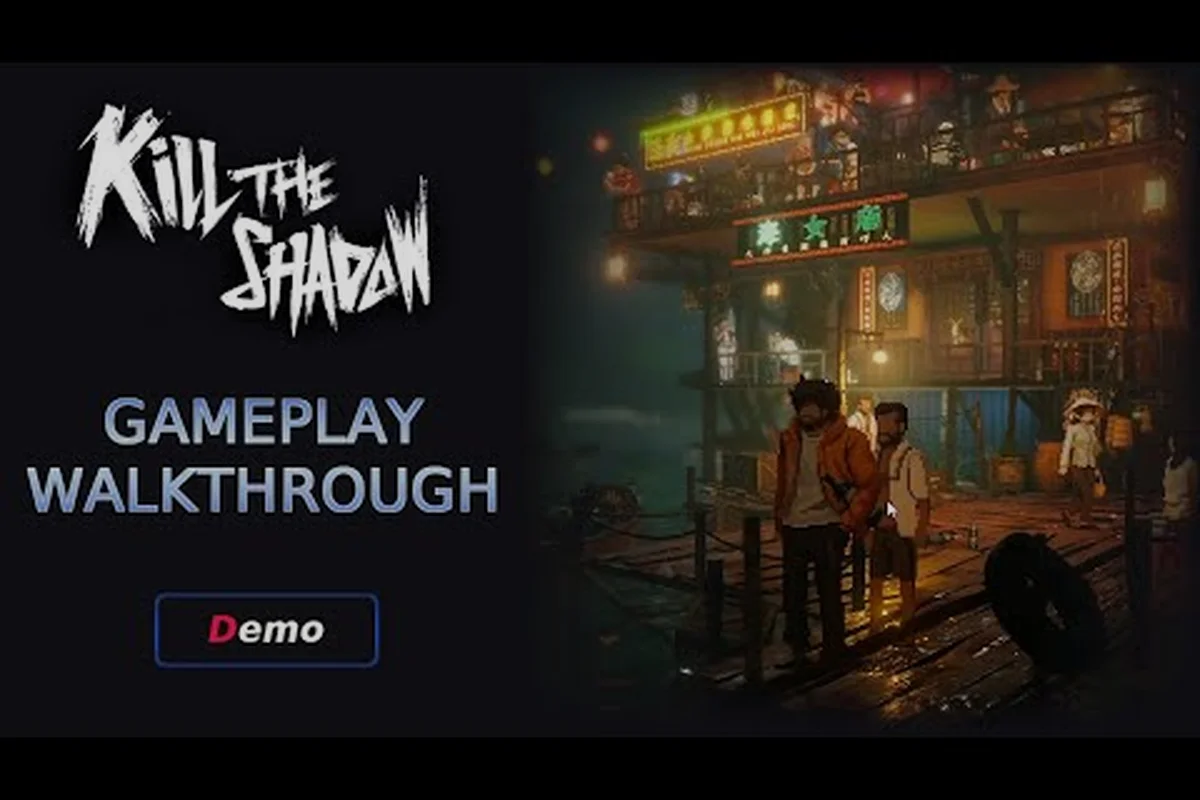
Getting Started with Kill The Shadow: What New Players Need to Know
Picking up Kill The Shadow for the first time can feel like stepping into a dimly lit precinct at midnight, because the game drops you straight into a noir world filled with cryptic witnesses, layered evidence, and a supernatural mechanic that rewinds time itself. This 2.5D pixel-noir detective RPG, available on Steam, blends classic investigation gameplay with a unique ability that lets you revisit past moments, which makes the opening hour unlike anything else in the genre. If you are wondering how to start Kill The Shadow without losing hours to confusion, this walkthrough walks you through the opening sequences, the core systems you must master, and the decisions that shape your playthrough from the very first case.
The opening hour of the game serves as both a tutorial and a tone-setter, weaving mechanical introductions into narrative beats so you never feel like you are reading a manual. The developer confirmed in a GamingBolt interview that the game teaches mechanics organically through story moments rather than pop-up tutorials, so paying attention to environmental cues and dialogue becomes critical from the start. By the time you finish this guide, you will understand which systems to prioritize, how the ability paths work, and how to avoid common beginner traps that derail first runs before they ever gain momentum.
Core Mechanics You Must Master First
Before diving into your first investigation, you need to understand the three pillars that define every playthrough of Kill The Shadow: the time-rewind ability, the corkboard deduction system, and the branching ability paths that influence your investigative style. None of these systems are explained through traditional tutorial menus, because the developer wanted players to discover them through curiosity. Experienced players suggest front-loading experimentation during the opening case, since the early hours are designed to forgive mistakes while still rewarding thorough exploration.
The Shadow Time Rewind Ability
The Shadow ability is the central mechanic that separates this title from conventional detective games. When activated, the protagonist can rewind a scene by several seconds, replaying character movements, dialogue fragments, and environmental changes that were missed during the initial viewing. According to community testing as of mid-2026, the Shadow can typically rewind up to 30 seconds of in-game time, though the exact window may vary slightly by platform and case progression.
| Ability Component | Function | Best Use Case |
|---|---|---|
| Shadow Activation | Triggered via a dedicated button; rewinds the scene instantly | Catching a fleeting witness gesture or overheard phrase |
| Environmental Echo | Highlights subtle object changes after rewind | Spotting a moved weapon or opened drawer |
| Dialogue Echo | Reveals alternate phrasing a suspect almost said | Identifying lies or hidden motives during interrogations |
The trick is using Shadow sparingly rather than spamming the rewind button, because the game subtly rewards players who piece together information across multiple rewinds instead of relying on a single "correct" answer. If you want a deeper dive into case-solving tactics that build on this mechanic, our how to solve cases guide breaks down advanced deduction techniques that experienced detectives use to close cases faster.
The Corkboard Deduction System
The corkboard is where every shred of evidence, witness statement, and clue converges into a solvable case. Picture a detective's office wall covered in photos, pinned notes, string connections, and highlighted contradictions. In Kill The Shadow, the corkboard appears as an in-game menu that lets you drag and link evidence pieces together. Correctly connecting two items triggers a deduction, which can unlock new dialogue options or open previously inaccessible locations within the same case.
| Corkboard Action | Result | Beginner Tip |
|---|---|---|
| Linking Evidence | Reveals hidden connections between clues | Always link evidence before leaving a crime scene |
| Contradiction Detection | Flags inconsistent witness statements | Revisit suspects after discovering new contradictions |
| Case Closure | Locks in your final deduction | Double-check all links before submitting the board |
Players report that rushing through the corkboard is the single biggest mistake newcomers make, because submitting an incomplete board early locks you out of certain endings that require fuller evidence synthesis. Taking five minutes per case to verify every connection pays off significantly, especially when chasing the more obscure narrative branches.
Your First Hour Walkthrough
The opening sequence of the game follows a strict structure designed to teach mechanics without breaking immersion. Knowing what to expect helps you avoid the panic that comes from missing early prompts, especially since the title never explicitly tells you when a mechanic has unlocked. Below is a structured breakdown of the first hour that should serve as your roadmap.
Opening Sequence Checklist
| Step | Action | Purpose |
|---|---|---|
| 1 | Wake up in the protagonist's apartment | Establish baseline and tutorial hooks |
| 2 | Answer the ringing phone | Triggers the first case assignment |
| 3 | Travel to the crime scene | Introduces movement and inspection controls |
| 4 | Activate the Shadow for the first time | Unlocks the core time-rewind mechanic |
| 5 | Interrogate your first suspect | Demonstrates dialogue branching |
| 6 | Return to the corkboard | Forces evidence synthesis before case closure |
Following this sequence in order ensures you do not accidentally skip a mechanic tutorial. Community guides note that skipping the phone call, for example, can soft-lock the early-game progression until you replay the chapter. For broader strategy tips that benefit from a strong opening, our best strategies guide covers late-game build choices that rely on choices you make within the first two hours.
Choosing Your First Ability Path
After completing the opening case, Kill The Shadow offers three ability paths that define your investigative style for the remainder of the playthrough. The choice is not permanent in a single playthrough, but committing to one path early yields stronger synergy rewards by mid-game because path-specific upgrades stack faster when you focus on a single discipline.
| Ability Path | Playstyle Strength | Best For |
|---|---|---|
| The Observer | Enhanced Shadow duration and clarity | Players who prefer rewind-heavy investigations |
| The Interrogator | Bonus dialogue options and lie detection | Players who enjoy conversation-based puzzles |
| The Analyst | Improved corkboard linking and deduction speed | Players who thrive on evidence synthesis |
According to player data aggregated across community forums, The Observer is the most forgiving path for newcomers because it amplifies the central mechanic, while The Analyst appeals to players who enjoy the puzzle-board aspect of detective work. The Interrogator path requires sharper reading skills but unlocks some of the most memorable dialogue moments in the entire game, which makes it a strong pick for players who value narrative depth over mechanical power.
The Investigation Loop: Rewind, Question, Deduce
The gameplay loop of Kill The Shadow cycles through three phases: investigating environments, rewinding with Shadow when information gaps appear, and returning to the corkboard to synthesize findings. Veteran players describe this loop as a rhythm that becomes second nature after three or four cases, but the opening cases demand deliberate practice because you have not yet built the instincts that speed up later investigations.
Evidence Collection Without Missing Clues
Every crime scene in this detective RPG contains between 12 and 20 interactable objects, depending on the case, and missing even one can alter the available ending. The game does not highlight all clues with a glowing outline, which forces players to inspect walls, trash cans, furniture, and even ambient background elements. Community reports suggest hovering the cursor over every visible object before leaving a scene, because some clues only register when the protagonist is standing at a specific angle relative to the object.
For a more thorough breakdown of evidence-gathering tactics, our investigation guide details advanced scanning techniques that experienced players use to catch hidden items that would otherwise be missed on a casual playthrough. Pairing those techniques with the Shadow rewind ability creates a powerful combination that can recover missed clues mid-investigation.
Dialogue Branching and Interrogation
Interrogations in the game are not simple dialogue trees; they are layered conversations where your previous evidence unlocks conditional lines. If you arrive at a suspect with insufficient corkboard connections, the suspect will refuse to answer certain questions, which can stall progression until you return to the scene. The developer confirmed in interviews that the dialogue system tracks every piece of evidence you have collected, even items you have not formally linked yet, so talking to suspects twice with different evidence loads often reveals new information that was previously locked.
| Dialogue Action | Outcome | Strategic Note |
|---|---|---|
| Present Evidence | Forces suspect to respond to specific proof | Only available if linked on corkboard |
| Press for Detail | Uncovers additional witness statements | Risks suspect hostility if pushed too hard |
| Use Shadow Mid-Conversation | Rewinds a suspect's response | Reveals hesitation or rehearsed lies |
A good rule of thumb is to interrogate every suspect at least twice during each case, because the second conversation frequently unlocks dialogue paths that were unavailable during the first encounter. This habit alone solves several "unsolvable" puzzles that beginner players report getting stuck on.
Common Beginner Mistakes and How to Avoid Them
Even with a solid walkthrough, certain traps catch first-time players repeatedly. Knowing these pitfalls ahead of time can save hours of frustration, especially since Kill The Shadow does not include a chapter-select menu in its current version, which makes mistakes more costly than in games with forgiving save systems.
Mistake 1: Saving Only at Fixed Points
Unlike most RPGs, this title restricts manual saving to specific narrative checkpoints, which means careless play between saves can lock you out of entire ending branches. Community testing recommends reloading earlier chapters whenever a major decision approaches, because the auto-save system does not always trigger before irreversible choices. Experienced players often create multiple save files at the start of each chapter as a safety net, even though the game does not advertise this practice.
Mistake 2: Ignoring Optional Witnesses
Several optional witnesses appear only during specific time windows, and using Shadow to rewind past their appearance window can cause them to vanish permanently. Players report that checking every doorway and alley before concluding a scene investigation prevents these missed encounters. The pixel-art style hides several NPCs in plain sight, so sweeping the camera across the full scene width before moving on is a habit worth developing.
Mistake 3: Rushing the Corkboard
Submitting a deduction before linking all available evidence is tempting, especially when you feel confident in your theory, but the game rewards thoroughness with branching outcomes. Multiple endings require near-complete evidence linking, while rushed submissions lock you into a single resolution path that often misses key story revelations. Treat the corkboard as a puzzle in itself rather than a formality, because the act of linking evidence often reveals connections you would otherwise overlook.
Advanced Tips for a Smoother Start
Once you have the basics down, a handful of advanced habits can dramatically improve your opening hours. These tips come from players who have completed multiple playthroughs and noticed patterns that streamline the early game.
First, keep a notebook or text file of every clue you discover, even minor ones, because the game does not provide an in-game encyclopedia of past findings. Second, experiment with the Shadow ability in safe environments before relying on it during high-stakes interrogations, since mis-timing a rewind during a critical dialogue can confuse the dialogue tracker. Third, replay the opening chapter at least once after your first run, because the second playthrough reveals environmental details and dialogue cues that were easy to miss the first time around, which is especially helpful for players hunting the alternate endings.
Getting Started FAQ
How long does it take to finish Kill The Shadow?
A single playthrough takes roughly 12 to 15 hours, depending on how thoroughly you explore each crime scene and how often you rewind with the Shadow ability. Completionists who pursue all three ability paths and every ending should expect around 35 to 40 hours total, based on community-reported runtimes as of 2026.
Can I switch ability paths mid-playthrough?
Yes, but with limitations. The game allows path switches at specific narrative junctions, though you lose any path-specific upgrades earned along the previous branch. Most players recommend committing to one path for at least two full cases before considering a switch, because early-game upgrades provide the strongest foundation.
What happens if I miss a clue during an investigation?
Missing a clue does not necessarily lock you out of the main case, but it can prevent you from reaching certain endings. If you realize you missed something after leaving a scene, using the Shadow ability to rewind to the previous area sometimes restores the object, though this trick does not work for every clue type.
Is there a chapter-select or new game plus mode?
As of the current Steam build, the title does not include a chapter-select feature, but the developer has hinted at new game plus additions in future updates. For now, completing the game requires a single uninterrupted playthrough per save file, which makes careful decision-making even more important.
Does Kill The Shadow have controller support?
Yes, the game fully supports controllers on PC and offers remappable inputs. Keyboard and mouse players can also customize keybindings through the settings menu, which is helpful for the Shadow ability since quick rewind access matters during tense interrogations and time-sensitive crime scenes.